
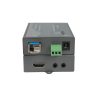
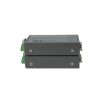
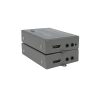
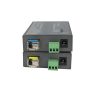
Product Overview
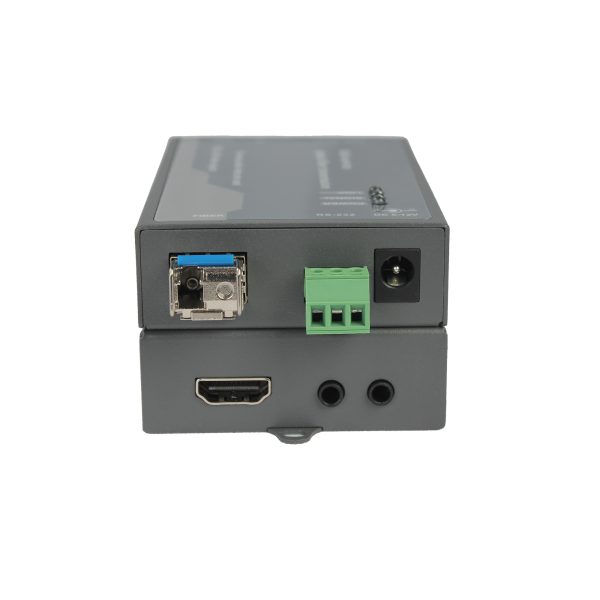
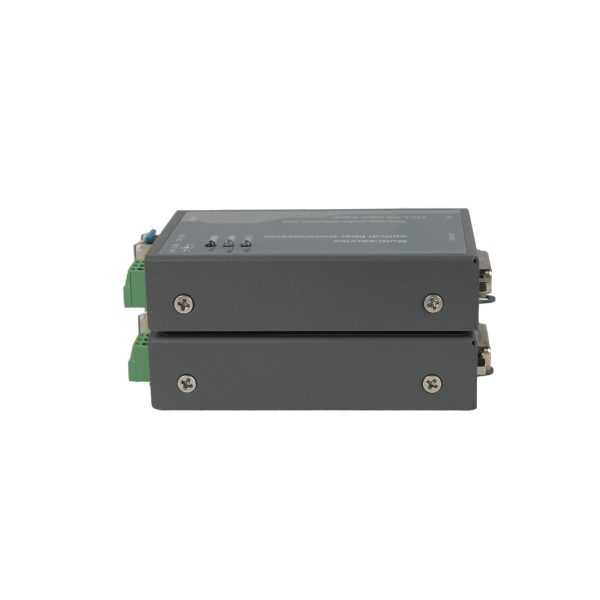
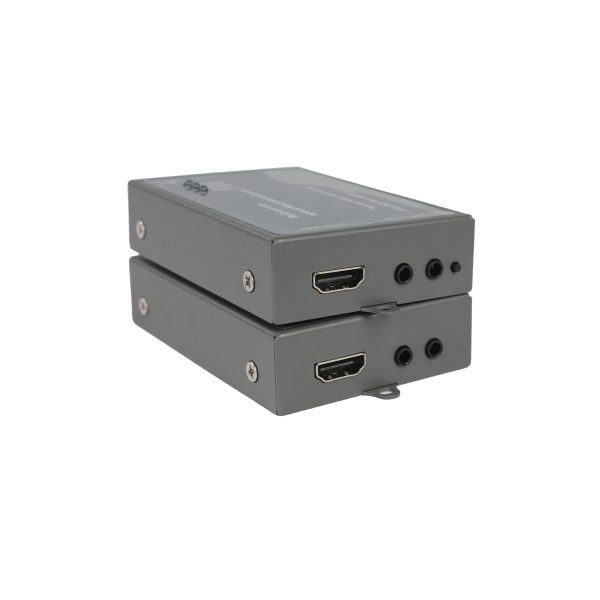
The FQ-THL300H-T/R HDMI Fiber Optic Extender is a high-performance solution for long-distance transmission of uncompressed HDMI video and audio signals over fiber. It supports video resolutions up to 1920×1200@60Hz and 1920×1080@60Hz, while also providing bi-directional RS232 serial communication and bi-directional stereo audio transmission.
Powered by an advanced FPGA video processing platform, the extender provides stable and reliable HDMI signal transmission for demanding professional applications. It supports HDMI 1.3, HDCP 1.2, EDID learning, automatic display mode detection, and automatic equalization for convenient installation and broad system compatibility.
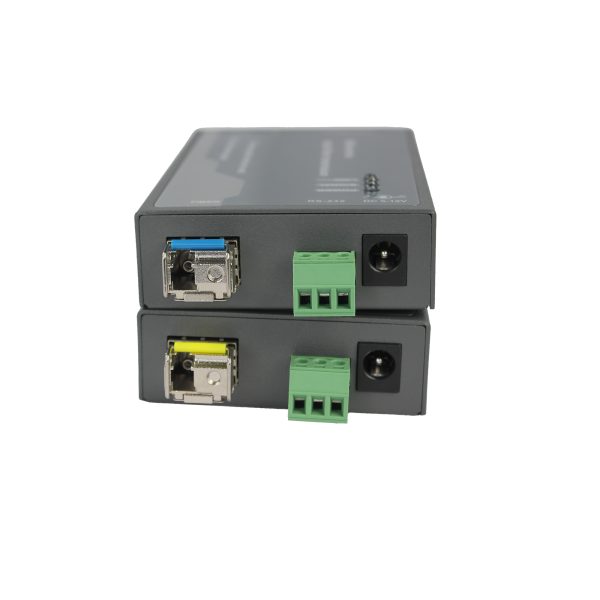
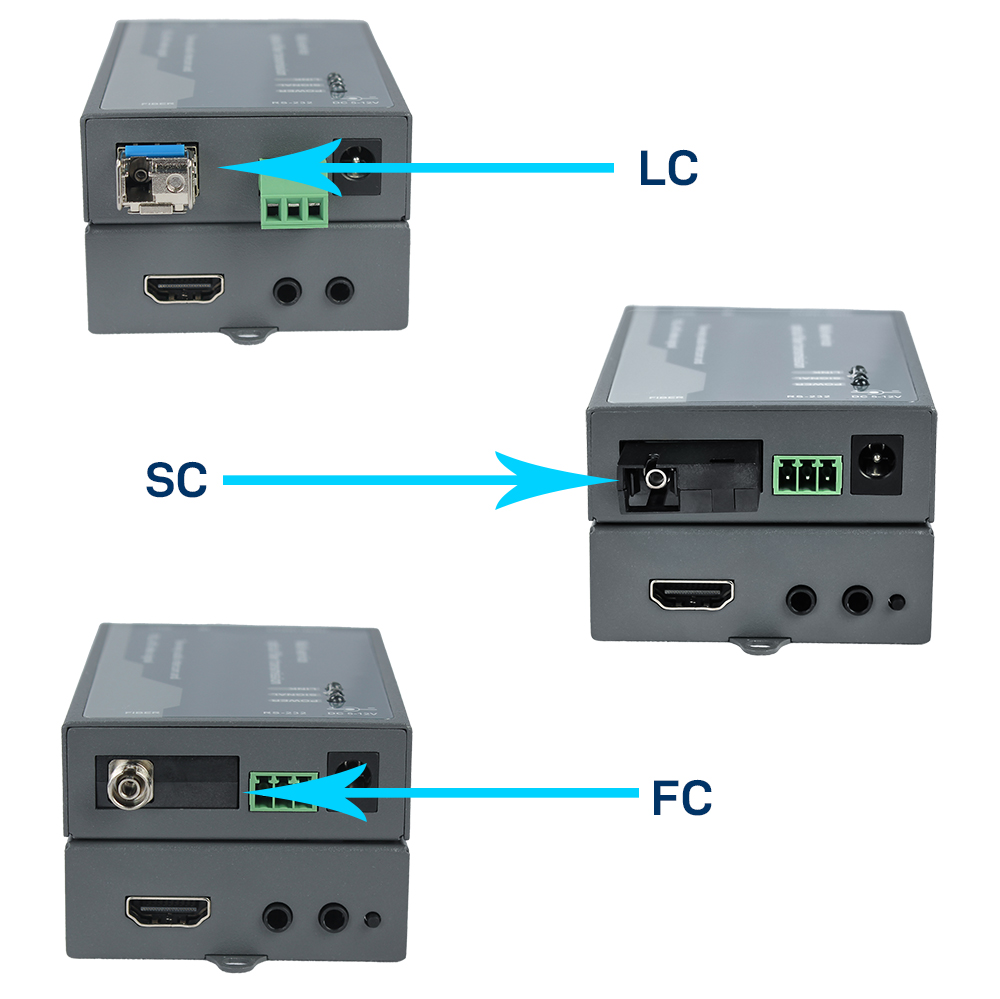
The FQ-THL300H-T/R supports single-mode fiber transmission up to 10km and can also support OM3 multimode fiber for distances up to approximately 300m at 1080p60. LC, FC, and SC optical interfaces are available, making it adaptable to different fiber infrastructure requirements.
Key Features
- Uncompressed HDMI video transmission over fiber
- Supports up to 1920×1200@60Hz and 1920×1080@60Hz
- HDMI 1.3 and HDCP 1.2 compatible
- Supports bi-directional stereo audio transmission
- Supports bi-directional RS232 data transmission
- RS232 baud rate automatically adapts up to 115200bps
- Supports EDID learning
- Automatic display mode detection and configuration
- Built-in automatic equalization for stable image transmission
- Single-mode fiber transmission up to 10km
- Supports OM3 multimode fiber up to approximately 300m
- LC, FC, and SC fiber interface options
- Built-in ESD protection
- Plug-and-play installation with no configuration required
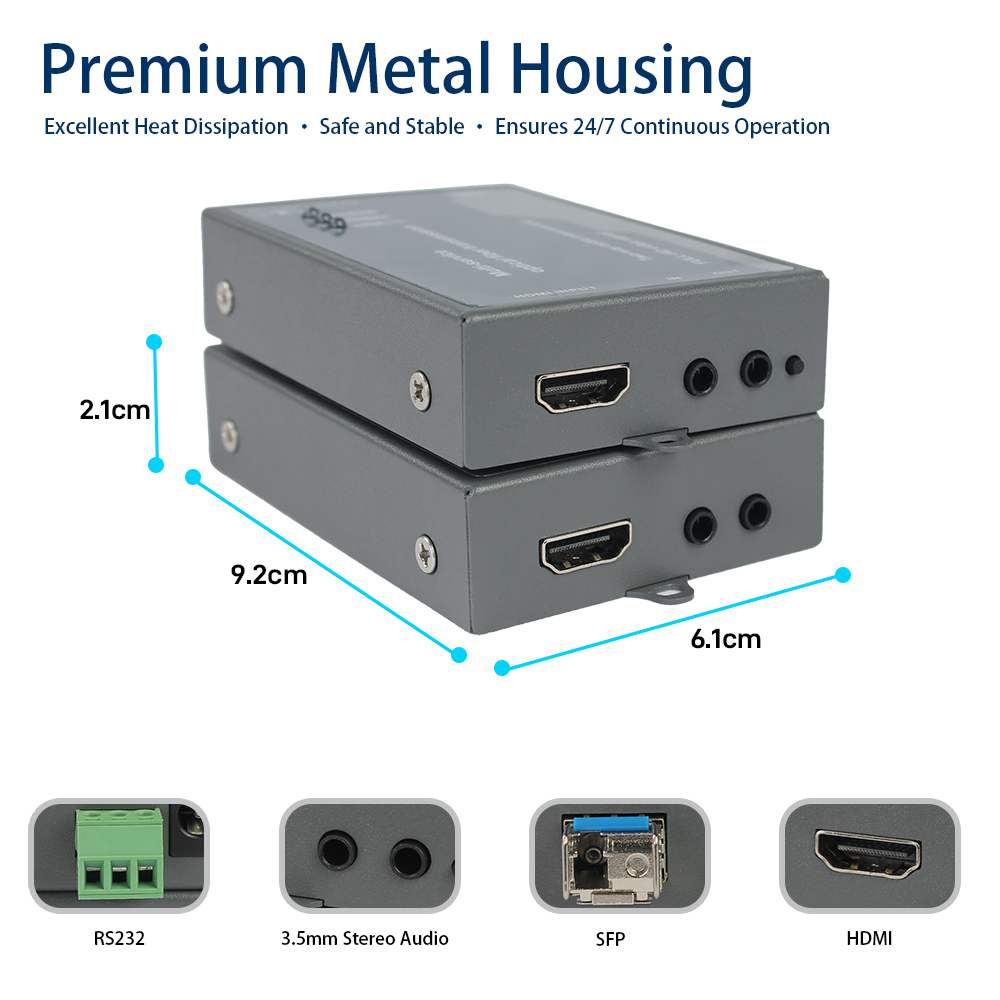
- Compact 92 × 61 × 21mm housing
Applications
- Exhibition and display systems
- Rail transportation systems
- Broadcast and television systems
- Video conferencing
- Medical training and demonstration
- Educational recording and broadcasting
- Projection and video wall systems
- Industrial monitoring
- Professional AV installations
- Long-distance HDMI display systems
Installation
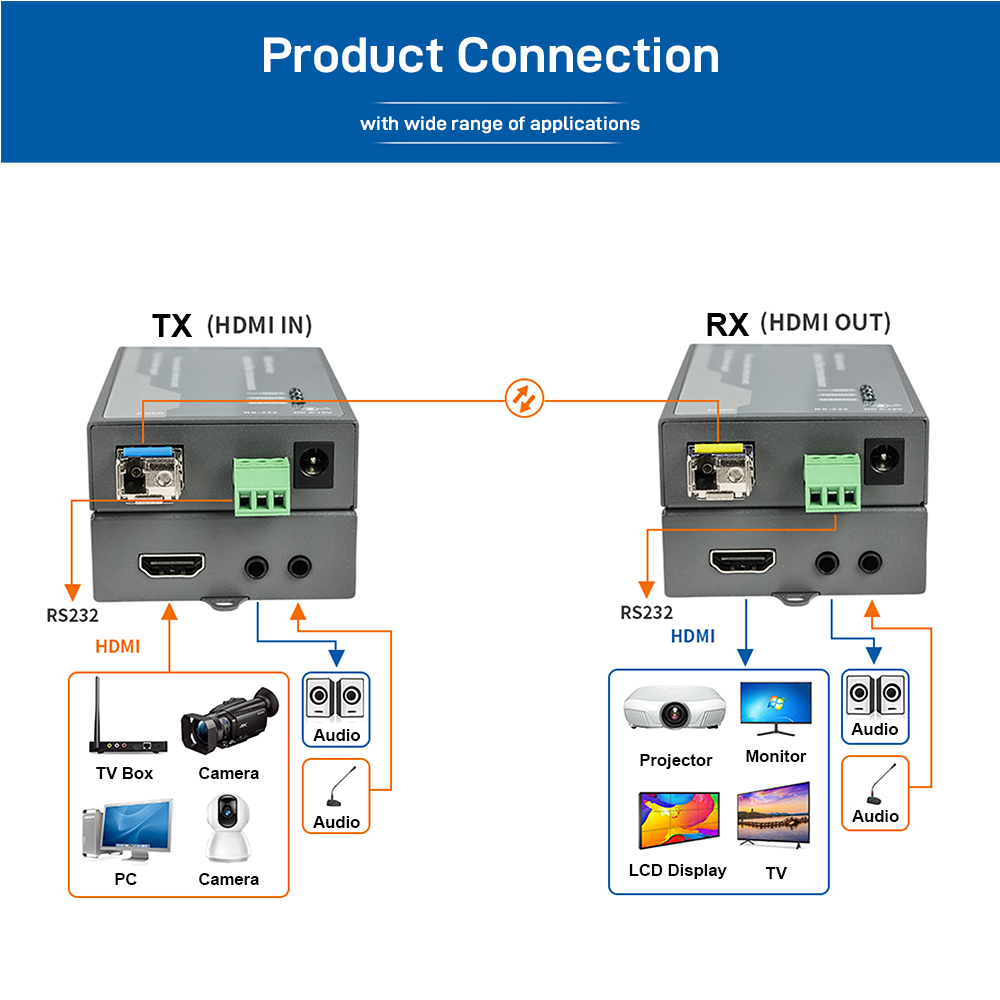
- Connect the HDMI source to the HDMI input of the transmitter.
- Connect the stereo audio source to the transmitter if required.
- Connect the receiver HDMI output to the display device.
- Connect the receiver audio output to an audio system if required.
- Connect the transmitter and receiver using an LC, FC, or SC fiber optic cable.
- Connect power to both units and verify that the indicators operate normally.
Reviews
There are no reviews yet.